Mortal Shell II Installation and Open Beta Archive
Install the released Mortal Shell II from official stores, identify the separate historical Open Beta app, and avoid confusing test access with retail ownership.
By Mortal Shell 2 Wiki editorial team · Last updated
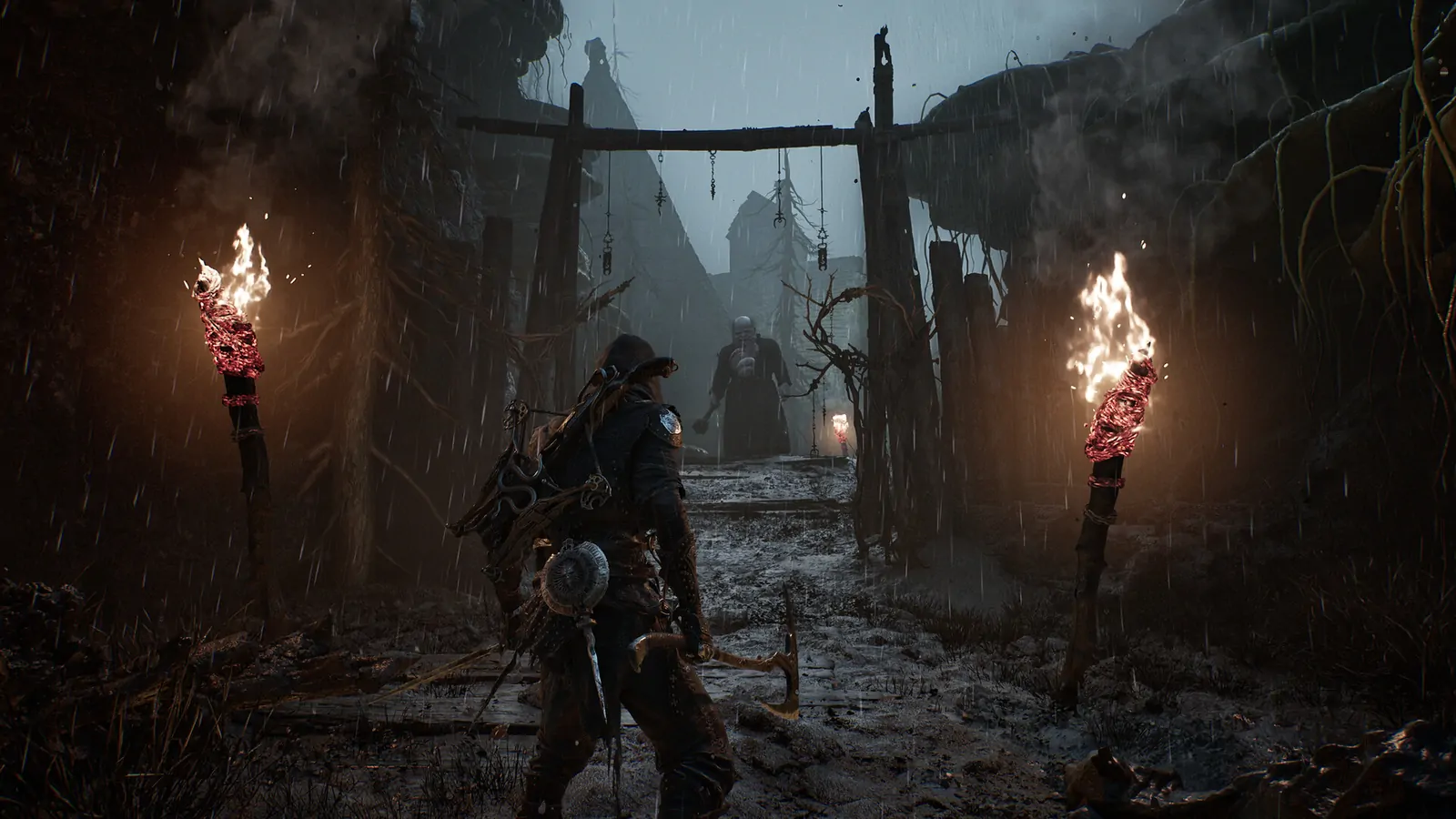
Official Steam purchase
This wiki never hosts game files. Use the official Steam page for the full game, or the archived Open Beta page when this article is explicitly about that test build.
Current retail installation and the old test app
This page documents the official Mortal Shell II Open Beta Steam app (4711740) and the test-build information it published. The full game is available now; use the official Mortal Shell II Steam page to buy or launch the retail version.
Open Mortal Shell II Open Beta on Steam →
Steam may change the availability of a past test build. This wiki never hosts game files, and this archive is not a substitute for the released game.
| Item | Official detail |
|---|---|
| Platform | PC (Steam) |
| Build type | Open Beta / demo-style limited access |
| Scope | Opening hours: Prologue into the first explorable region |
| Full release | Available from August 20, 2026 |
If Steam asks for age confirmation or account login, that is normal store behavior.
What the Open Beta included
From the official Steam Open Beta description:
- Begin as the Harbinger and possess Shells
- Explore the early open-world section
- Cleanse beacons
- Enter optional dungeons and face hidden mini-bosses
- Progress toward Magdalena, the Lady of the Woods
- Discover Tiel, the Acolyte (one of eight playable Shells)
Full breakdown: Open Beta guide.
Progress rules that applied at launch
- Full Beta inventory reset (currency, weapons, Shells and collectibles).
- Playing the Beta unlocked The Flayed Harbinger cosmetic.
- Progress beyond Marrow Keep unlocked an optional prologue skip in the full game.
Details: Beta save transfer.
Historical Open Beta system requirements
Minimum
- Windows 10 / 11 64-bit
- Intel i7-10700K / AMD Ryzen 5 3600 class CPU or better
- 16 GB RAM
- RTX 2060 SUPER 8 GB or RX 6600 8 GB
- DirectX 12
- 30 GB free space
- SSD required
Mature content description
Mortal Shell II contains violence including sword fights with blood sprays, execution maneuvers, and medieval firearms.
For the released game’s published specifications, use Mortal Shell II PC Requirements.
Archive checklist
- Use the official Steam link above if you are checking whether the archived app is still visible.
- Use Mortal Shell II PC Requirements before installing the retail game.
- Treat the 30 GB figure above as Open Beta history, not the current game’s storage requirement.
- Compare the recorded Beta scope with the retail installation guidance below before applying an old walkthrough.
Compare the recorded beta with a retail installation
The beta description established a limited starting area, not the complete geography, enemy roster or upgrade economy of the released game. Advice about inventory resets should be read with its original test context. A reset described for a test period does not establish a universal retail save-deletion rule. Equally, a launch reward does not mean the entire beta character state transfers.
Before opening an old executable, identify its Steam app in the library. The retail game is app 2584270; the Open Beta listing used app 4711740. If a guide describes an option you cannot find, first check whether it discusses that separate test build. Do not repair a retail installation by copying undocumented files from the old beta directory.
When an official link does not offer installation
A historical Steam link may lead to an age gate, login, unavailable product notice or a listing without an install button. Those outcomes require checking the store and account; they do not justify downloading a mirror claiming to preserve the same build. This site supplies no substitute installer and cannot grant access that the platform no longer offers.
If the retail game is missing from your account, inspect purchase history and the account used for the transaction. A remembered beta download is not evidence that you purchased the full game. For a retailer key, resolve activation and regional restrictions with that retailer rather than sending credentials to a third party offering a replacement.
Preserve data while changing installations
Before uninstalling a test build or resolving a cloud conflict, identify the files and library entries actually involved. Do not delete a folder solely because its name resembles the beta. An undocumented file operation can affect the copy you want to keep. The platform’s normal verification tools are preferable to replacing files from an unrelated package.
If you encounter a crash or missing menu after installation, record the build and symptom. Use the PC diagnosis guide for performance and display checks. A failure to launch, a missing licence and an inaccessible old test are different problems; reinstalling every version is not a reliable way to distinguish them.
Choose the correct entry before your first retail session
Open the product entry you intend to play and check its name before selecting Install or Play. Mortal Shell II and Mortal Shell II — Open Beta are separate products. An old Beta shortcut can launch the wrong installation even when the full game is also present. Confirm the Library entry associated with the purchased game, then use that entry for the first retail launch and subsequent updates.
If you purchased an edition with cosmetic content, inspect its listed contents on the receipt and product page. An edition name does not establish a separate campaign executable, and an elapsed advance-access period does not provide a current installation advantage. The buying and editions guide explains the difference between permanent listed content and a launch-period benefit.
Before beginning a long session, finish the platform’s download and update process. A visible download percentage or pending update should be resolved in the client before you investigate gameplay behaviour. If the title starts successfully but a specific menu fails, keep that symptom separate from ownership and installation. The Pulse selection guide is an example: the November 16 hotfix addressed mouse selection in that menu, so selecting the correct updated retail build matters more than reinstalling the historical Beta.