Mortal Shell 2 Reflex Stutter Fix: What Steam Players Report
Mortal Shell 2 Reflex stutter is reported in early Steam feedback; compare latency, frame time and settings before changing files.
Last verified
The Mortal Shell 2 Reflex stutter fix search is based on a specific early Steam report: one player says Reflex caused stutter and that changing the setting through an engine configuration file reduced the stutter at the cost of additional input latency. This is a report to investigate, not a universal fix for every PC.
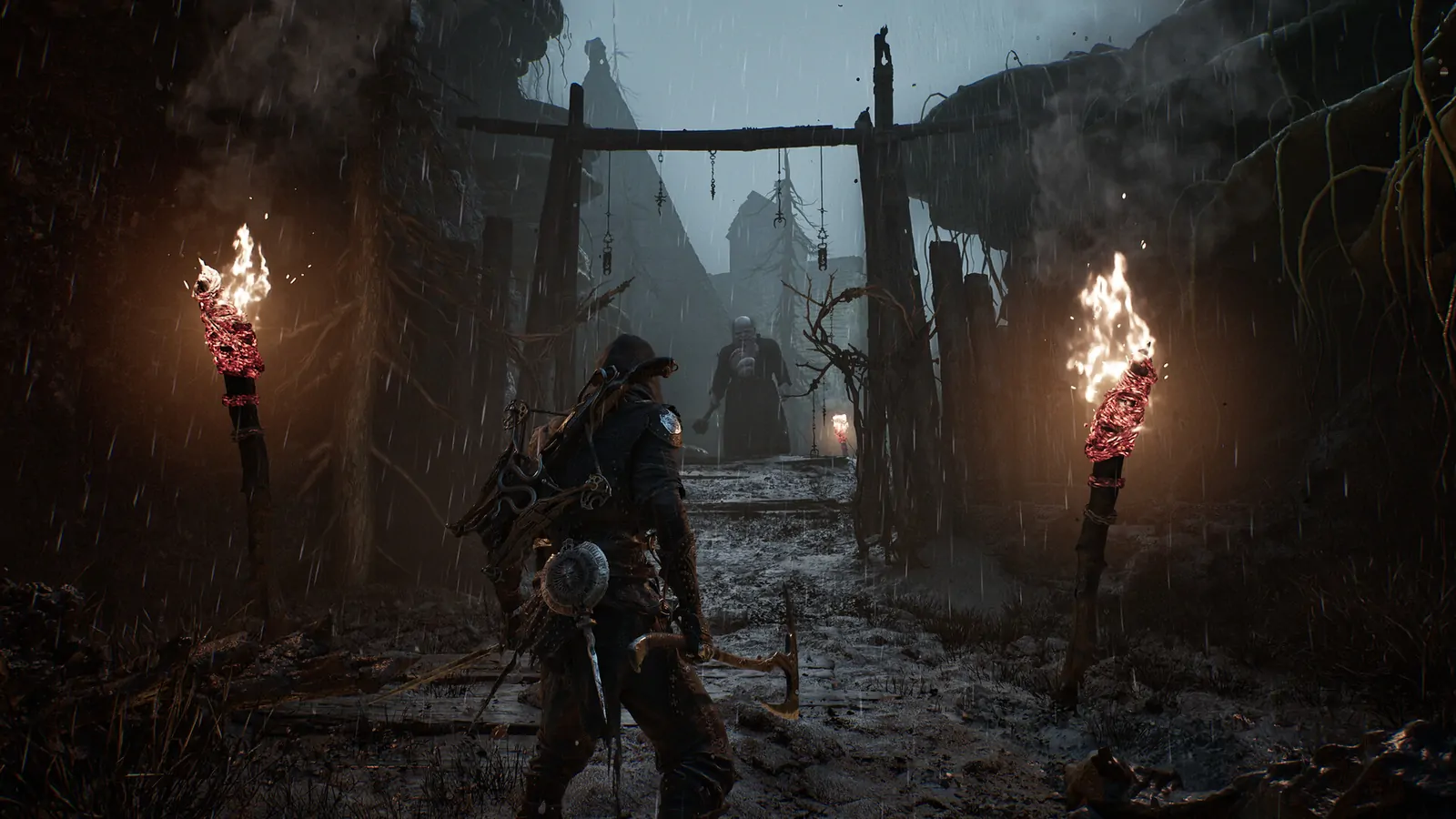
Compare the symptom before editing files
First test the game with Reflex enabled and disabled through the normal menu, using the same area and camera movement. Watch frame time rather than only the average FPS. A stable 90 FPS can still feel uneven if frame delivery or input latency is inconsistent.
Then test frame generation separately. If changing both Reflex and frame generation produces a different result, restore the last stable setting before drawing a conclusion. Record GPU, resolution, upscaling, frame-generation state, and driver version.
The official PC baseline is Windows 10/11, DirectX 12, 16 GB RAM, an RTX 2060 SUPER or RX 6600-class GPU, and an SSD. Meeting the baseline does not guarantee identical frame pacing, but it makes a report easier to compare.
Configuration-file caution
The public report mentions an engine.ini route, but this site does not provide a blind copy-paste block or promise that a key will remain valid after a patch. Back up any file before editing and remove a change if the game becomes unstable. For image quality, see the Mortal Shell 2 blurry graphics checklist.