Mortal Shell 2 PC Settings: Requirements, Storage and Stutter Checks
Mortal Shell II PC settings guide covering Windows, 16 GB RAM, the listed GPU tier, 70 GB SSD and safe post-launch troubleshooting steps.
Last verified
The released Mortal Shell II PC listing asks for Windows 10 or 11, 16 GB of RAM, a graphics card around RTX 2060 SUPER or RX 6600 class, and 70 GB of available storage. Those are the published requirement tiers, not a guarantee of one frame rate on every system.
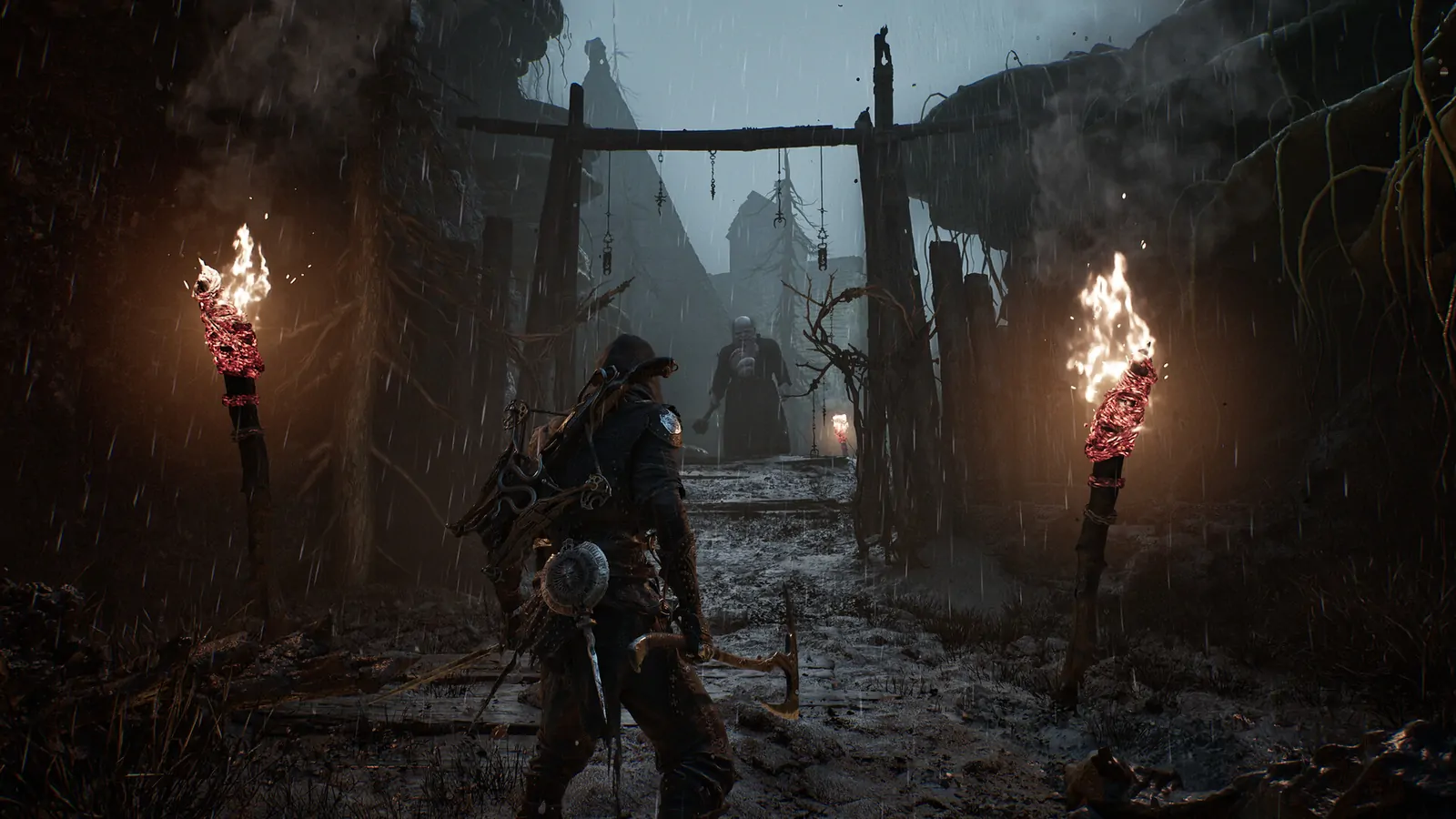
Safe first checks
- Install the game and the latest platform patch on an SSD with more than the listed 70 GB free.
- Update the graphics driver for the installed GPU.
- Disable overlays one at a time if frame pacing changes.
- Test a repeatable path rather than judging the menu or a single cinematic.
- Record resolution, upscaling, frame cap, GPU, RAM and patch version before reporting a fix.
Avoid copying an .ini tweak without knowing what it changes. A setting that improves one GPU can create texture, input or stability problems on another.
Why launch guides can be stale
Mortal Shell II received a Balance Patch 1 and a Week 1 Update after launch. They are gameplay-focused, but any post-launch build can also change loading, shader compilation or frame pacing. Always compare the installed build and the publication date of a troubleshooting page.
The PC requirements page lists the hardware tiers. Use the blurry graphics fix and reflex stutter fix pages only after capturing your current settings.