Rotten Autumn Hotfix 1: What Changed in Mortal Shell II
A player-focused guide to the October 30 Mortal Shell II hotfix, including Lazlo armor protection, Proxima weapon bugs, Tarstones, and dungeon fixes.
By Mortal Shell 2 Wiki editorial team · Last updated
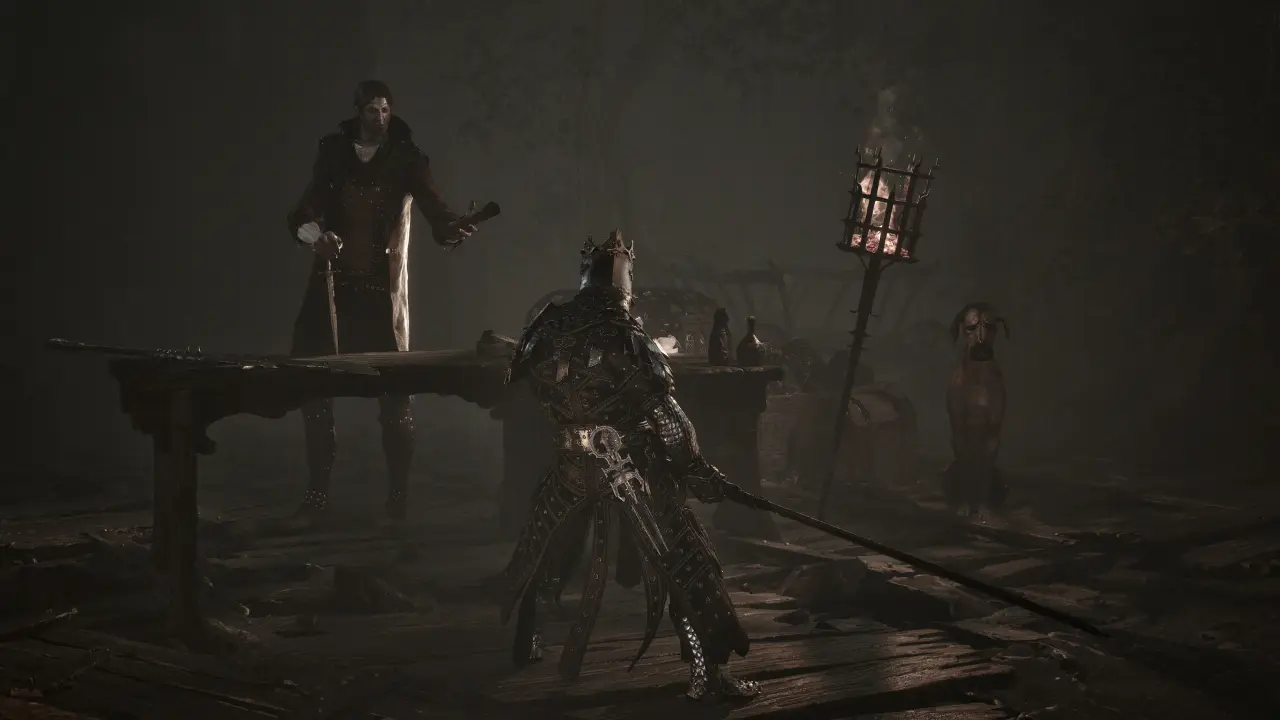
The Rotten Autumn Hotfix 1 went live on October 30, 2026, ten days after the seasonal update. It is a focused fix pass rather than a second content drop: the notes touch Shell protection, Proxima’s ability, the Wellspring Tarstone, inventory presentation, duplicate drops, and a handful of encounter problems. If you have been waiting for a specific issue to be addressed, this guide shows how to retest it without confusing a fixed bug with a balance change.
First separate the seasonal update from the hotfix
Rotten Autumn introduced a larger package on October 20: 15 dungeons, 10 Tarstones, Shell Shades, a photo mode, additional soundtrack and lighting choices, and seasonal cosmetics. Hotfix 1 arrived later and corrects behavior inside that new build. A newly added dungeon or costume belongs to the seasonal update; a Shell protection issue or Tarstone inventory problem belongs to the hotfix. When you describe a change, include both dates or the installed build so other players can reproduce the same state.
Before testing, fully close the game, let Steam finish the update, and confirm the current build in the client. If your issue is still present, restart once after installation before changing settings or deleting files. This is especially helpful for inventory display and ability indicators, which can be confused with stale UI state.
Retest Shell protection and Proxima safely
The patch prevents Lazlo’s armor protection from persisting after switching Shells or stacking from repeated use. To check that behavior, equip Lazlo, activate the relevant protection, switch to another Shell, and observe the status before starting a serious boss attempt. Do not intentionally stack the old effect as a strategy. If you want to compare Shell defenses, use the same enemy, attack, equipment, and difficulty, then change only the Shell.
The notes also fix an issue where Proxima could lose her melee weapon, and a case where using a traversal gate right after Proxima’s Shell ability left the melee weapon unequipped. If you encounter this, test the sequence in a safe area: use the ability, pass through a gate, and check the weapon before entering combat. This makes the issue easier to identify than discovering it during a boss arena.
Ability indicators should now refresh correctly at the end of a Shell memory. If an icon looks wrong, wait for the memory to finish, check the actual ability state, and only then reload. The patch describes indicator refresh behavior; it does not say that Shell memories or their rewards have been redesigned.
Check Tarstones, drops, and inventory state
When you compare your inventory before and after the update, make a small record instead of relying on memory. Note the room, the item name, whether the pickup animation completed, and whether the entry appears after opening the inventory again. This is particularly useful for a rare Tarstone because a missing item and a delayed interface refresh can look identical for a few seconds. The hotfix is intended to address the award behavior; it does not change the route or make an uncollected item appear automatically. If the entry remains absent after a clean restart and a verified pickup, describe the exact steps and the current build when reporting it.
The Wellspring Tarstone was sometimes not added to inventory. After obtaining it, open the inventory and verify that it appears before leaving the area or beginning another run. The notes do not describe a new acquisition route, so do not repeat an entire dungeon immediately if the item is simply hidden by a filter or category tab.
Other item fixes include duplicated drops in certain areas, a Channeler’s Stone that did not refund resolve after some weapon uses, and visual effects from the lute that could continue indefinitely. Check the actual resource count after the relevant action. A lingering visual effect is not proof that the Tarstone remains active; a duplicated pickup is not a reliable farming method. If a resource still fails to update after the hotfix, record the item, weapon, Shell, area, and exact sequence before restarting the save.
Ruk now always appears at the top of Marrow Keep, allowing Rickart’s Journal to be delivered. If the delivery step looked blocked before, return to the Keep and check the upper area rather than searching for another hidden route. This is a quest-resolution fix, not a new journal objective.
Revisit encounters only when a fix matches the problem
The hotfix addresses Orrem pushing players through an elevator floor on death and players becoming stuck in his corpse. It also corrects the long ball hurl camera tracking during the monolith attack while locked on. These changes affect specific encounter presentation and collision behavior. They do not establish a new boss damage value or a general dodge window.
Rotten Autumn Shell Shades should correctly despawn when you are knocked out of your Shell. If a Shade remains, first check whether the encounter is still active or whether a second effect is present. Then reproduce the knock-out once with a clear view of the area. The patch describes a despawn fix; it does not say that every Shade has identical combat rules.
For performance issues, do not read the seasonal update’s new graphics options as mandatory settings. Test a repeatable location with the same resolution and graphics preset, then compare the before and after frame behavior. The hotfix release notes cover specific gameplay and item issues; they do not promise a universal frame-rate increase on every system.
What the hotfix does not confirm
The patch does not publish a full set of boss health values, a new Shell tier list, or the secret location of every Rotten Autumn room. It also does not state that the 15 new dungeons are required for the main story. Keep those questions separate from the fixes listed above. For the seasonal content itself, see the Rotten Autumn update guide and the all Shells hub.
Quick verification checklist
After updating, confirm the game build; test one Shell switch after protection; check Proxima’s weapon after her ability and after a traversal gate; verify a newly obtained Wellspring Tarstone in inventory; deliver Rickart’s Journal to Ruk at the top of Marrow Keep; and retest only the encounter that matches a listed fix. This sequence keeps the patch useful and avoids turning a specific hotfix into a rumor about every boss or weapon.