Mortal Shell 2 Adaptive Difficulty: Enable It, Read the Tier, Decide
How to enable Mortal Shell II Adaptive Difficulty, understand its upward and downward scaling, and keep Night Mode and achievements in mind.
By Mortal Shell 2 Wiki editorial team · Last updated
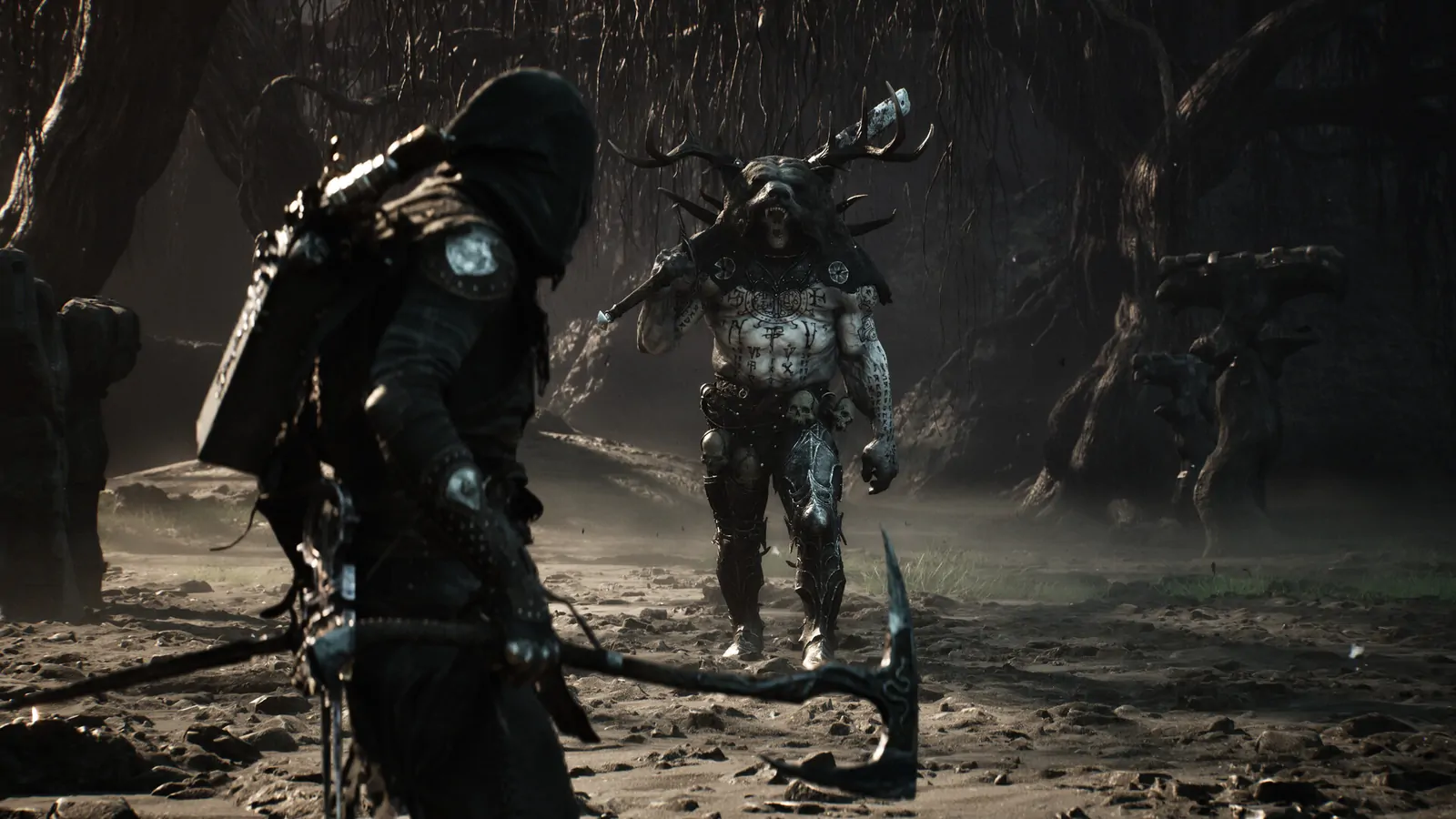
Mortal Shell 2 Adaptive Difficulty is an optional setting added in the September 6, 2026 update, version 1.000.009. It starts off by default. The documented path to enable it is Game → Game Settings → Adaptive Difficulty. If you are looking for a normal Easy, Normal, or Hard selector, this is a different kind of option: it adjusts enemy pressure in response to how your run is going.
The practical choice is whether you want the game to react to your performance. If you are repeatedly dying in the same place, the system can ease some enemy properties; if you are winning consistently, it can increase pressure. That makes a fixed hit-count comparison less useful while it is active. The setting is experimental and optional, so you can leave it off when you want a stable baseline.
How to enable the setting
- Launch the retail game and open the game settings.
- Select the Game section, then Game Settings.
- Find Adaptive Difficulty and switch it on.
- Return to play and use the indicator added by later updates to check the displayed tier.
- If you want a stable comparison for a boss or achievement, return to the same menu and switch the setting off before the attempt.
Menu labels can change as patches update the interface. If your current build places the option elsewhere, follow the current on-screen label and note the installed version; do not rely on an older video that shows an earlier menu.
What the system changes
The published update description says the experimental option responds to the player’s results. Winning consistently can raise enemy damage, health, and Break resistance. Repeated struggle can lower those properties. The adjustments fade over time if the relevant pattern stops, so the game can move back toward its standard balance instead of permanently recording every win or death as a new baseline.
The same update record describes a cap intended to prevent one attack from removing the entire health bar when the system is easing pressure. That is not a universal invulnerability rule. It does not make every attack safe, remove the need to dodge, or guarantee that a sequence cannot defeat you.
The setting does not remove the core combat loop. Mortal Shell II still asks you to manage spacing, create posture breaks, and take critical openings. If the fight feels harder, look at the attack and your route before assuming the difficulty system is the only cause. A weapon swap, unfamiliar Shell, or long runback can make the same boss feel different without changing the option.
Read the tier indicator after the September update
At launch, the setting had no clear on-screen tier indicator. The September 24 hotfix added UI support for Adaptive Difficulty tiers and improved the icon; it also made the Night Mode icon easier to see. If an older guide says there is no way to tell what tier is active, that information predates the UI change.
Use the current icon as a status clue, not as a detailed numeric report. The checked notes do not publish a complete per-tier table of enemy health, damage, or Break resistance. Avoid translating the icon into an exact percentage or guaranteed number of attacks unless a current official update supplies those values.
Should you use it on a first playthrough?
Turn it on if your priority is continuing through an encounter that has stopped your progress and you do not mind the game’s pressure changing in response. The easing behavior is intended to help when you repeatedly struggle. You can also experiment with it when you are curious about a more reactive challenge instead of a fixed difficulty choice.
Leave it off when you want a consistent baseline for a guide, a co-op comparison is irrelevant but a repeatable solo boss test matters, or you are learning a specific parry and punish sequence. Since the system can change enemy properties over time, a note such as “the boss took six hits” is not a transferable recommendation unless you also record whether the option was enabled and what tier was shown.
The setting is not a substitute for a route plan. Before retrying a boss, check the nearest beacon, simplify the runback, and keep a familiar loadout. The boss preparation guide covers a repeatable pre-fight routine, while respawn points and map fast travel help distinguish a combat problem from a travel problem.
Achievements and challenge modifiers
If an achievement requires a specific fight action, use the published requirements and current patch notes before assuming Adaptive Difficulty will preserve the condition. The existing difficulty guide cautions that a shifting health pool can make hit-count notes and achievement attempts harder to compare. Turn the setting off for a controlled attempt when the requirement depends on consistent enemy timing or damage.
This does not mean every achievement is disabled while the option is active. The checked information does not establish a universal achievement lockout. Use the actual achievement conditions and the platform’s unlock state as your evidence, and avoid claiming an unsupported restriction.
Night Mode is a separate choice
Adaptive Difficulty and Night Mode should not be collapsed into one setting. The current update notes say the system does not make Night Mode easier, though it may make that mode harder. Night Mode is a separate challenge modifier described elsewhere on this site; check its activation and current behavior in the Night Mode guide.
If a run is becoming too demanding, change only one variable at a time. Turn off Adaptive Difficulty and test; if Night Mode is active, review that modifier separately. Changing both simultaneously makes it difficult to tell which one altered the encounter.
A controlled comparison routine
If you want to understand whether the feature suits you, choose a familiar encounter and keep the variables steady:
- Record the game version, Shell, weapon, Seal, and whether Night Mode is active.
- Check the Adaptive Difficulty toggle and visible tier indicator.
- Use the same route to reach the same enemy.
- Record a few observable results: enemy pressure, number of openings, and your own deaths or victories.
- Change only the Adaptive Difficulty toggle and repeat later under similar conditions.
Do not claim that a single run proves a universal damage multiplier. The system can respond to the run’s history and fade with time, while enemy behavior and player actions also affect the result. A useful note describes what you saw on that build, rather than converting it into a guaranteed formula.
Quick answers
Is Adaptive Difficulty enabled automatically? No. The documented default is off.
Where is the switch? The update record gives Game → Game Settings → Adaptive Difficulty.
Does it only make the game easier? No. It can move enemy pressure up after consistent wins and down after repeated struggle.
Can it make an enemy easier forever? The documented adjustments fade over time when the triggering pattern stops.
Does it make Night Mode easier? The checked update record says Night Mode is never made easier by Adaptive Difficulty, though it can be made harder.
What are the exact percentages? The checked notes do not publish a full numerical table. Use the displayed tier and your own dated observations rather than invented multipliers.
For the wider system overview, read Mortal Shell 2 Adaptive Difficulty. This page focuses on the menu choice and a practical testing routine; the existing guide retains the broader behavior summary and patch context.